
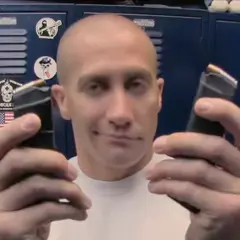
An End of Watch AI video puts you in the locker room scene from End of Watch, the 2012 police film: you hold your gear up to the camera one piece at a time, the flashlight flares into the lens, and your partner leans in at the end. The AI versions on TikTok all follow that scene, and the comments under them ask the same thing again and again: "What ai did you use", "how do u make this", "I want the prompt".
You do not need a prompt, an app or a locker room. Here is how it works on this site, step by step.
1. Pick the right photo
Most of the scene is a close-up. In the clip the face is about a hand's length from the lens, so a small or soft face shows straight away. The photo that works:
- One person, face sharp and turned to the camera. Waist-up is plenty.
- Good light. Face a window or a lamp. A face in shadow comes out muddy.
- Straight from the camera. Beauty filters change your face before the AI ever sees it.
- Your own clothes, if you want them. The AI dresses you in what your photo shows. If your photo is a tight crop with no clothes in it, you get the white T-shirt from the scene.
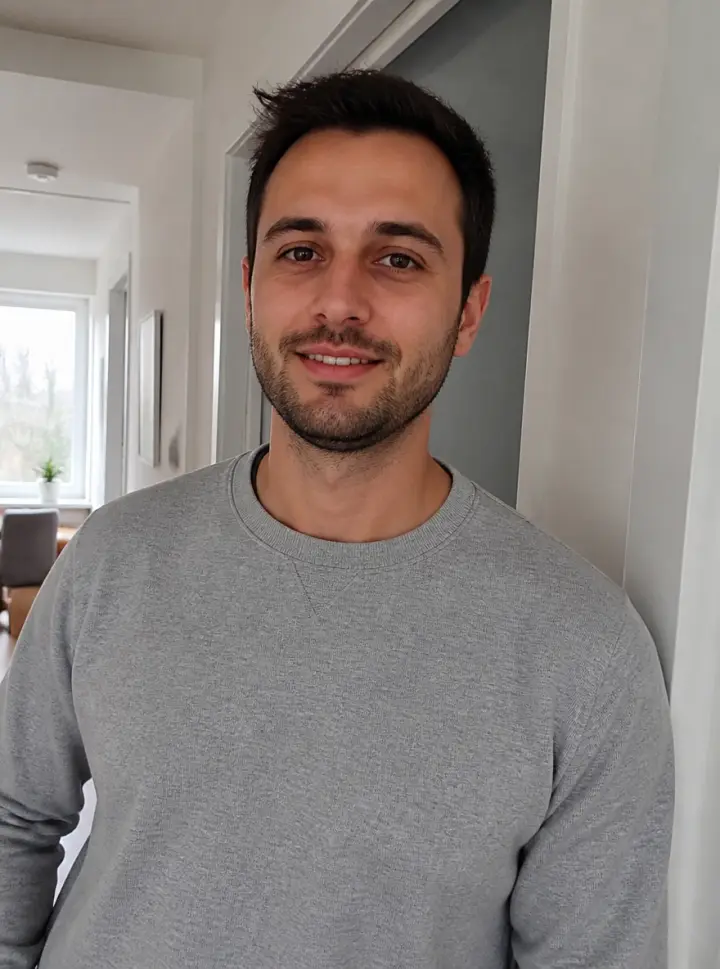
Leave out sunglasses, a hand over the face, a face far in the background and anything heavily filtered.
2. Decide who leans in
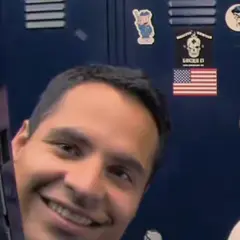
The scene has two people: the one with the gear and the partner who leans in from the left for the last second. You have three ways to fill it:
- Just you. Leave the Partner box empty and the partner from the film stays in his place.
- A photo each. Add yours in You and a second one in Partner. This is the way to put your boyfriend, a friend or a coworker in the shot.
- One photo of you both. Switch to One photo of you both and add a picture of the two of you side by side. The one on the left holds up the gear; the one on the right is the partner.
3. Tick the box and press the button
Tick the box to confirm you have the right to use the photos, then press Make my End of Watch AI video. There is nothing to type. If you sign in or pick a pack first, your photos and the tick are still there when you come back.
Before the video itself is made, the two shots with faces in them (the gear close-up and the moment your partner leans in) are drawn from your photos and checked against them. The video is then made from the scene with those shots in place. Most videos are ready in 5 to 10 minutes. You can close the page: the video waits in My videos and you get an email when it is done.
If a video fails, it goes back to your account on its own and your photos stay where they were, so you can press the button again.
4. Download and post
Tap Download MP4. The video keeps the film's wide frame, so TikTok shows it with bars above and below, the same way the AI versions already on TikTok are posted.
Captions on these are short. The 2023 posts ran under "my boyfriend is 6'5 and can fight"; the AI ones say what they are, like "Fake gun • AI-generated scene • Original scene: End of Watch (2012)". Add a few of the tags people use, #endofwatch, #lockerscene and #lockerroom, and switch on TikTok's AI-generated content label before you post.
If it does not look right
Nearly every problem starts with the photo. If the face is off, try a sharper, front-on photo in better light. If the film's partner is still there, you left Partner empty; add a photo there or use one photo of you both. If an iPhone photo will not upload, take a screenshot of it and upload that.
Read next
Curious where the scene comes from? The End of Watch trend runs from the 2023 posts to the AI wave. To see what the clip keeps and what it swaps, read the End of Watch AI template, shot by shot. Short on ideas for who to put in it? Try the End of Watch meme ideas.
Make my End of Watch AI video